Makerspaces are spaces where ‘making’ can occur through a number of methods, such as robotics, electronics or creations (Peppler & Bender, 2013). The pedagogical approach is constructionism, where student learning is achieved through students reconstructing their pre-existing knowledge and understandings as opposed to a teacher-centred authoritarian tactic (Lain, 2016).
Technologies in Makerspaces have the ability to intrinsically foster creativity in students, as tasks prompt students to ‘create’. For example, Chibi Lights are commonly used in Makerspaces, and primarily target K-6 students. Chibi Lights allows students to program and build circuits, and can be applied to various disciplines (including science, English, art). In an English class, students could create a short storyboard whilst utilising circuits and lights in their created story.
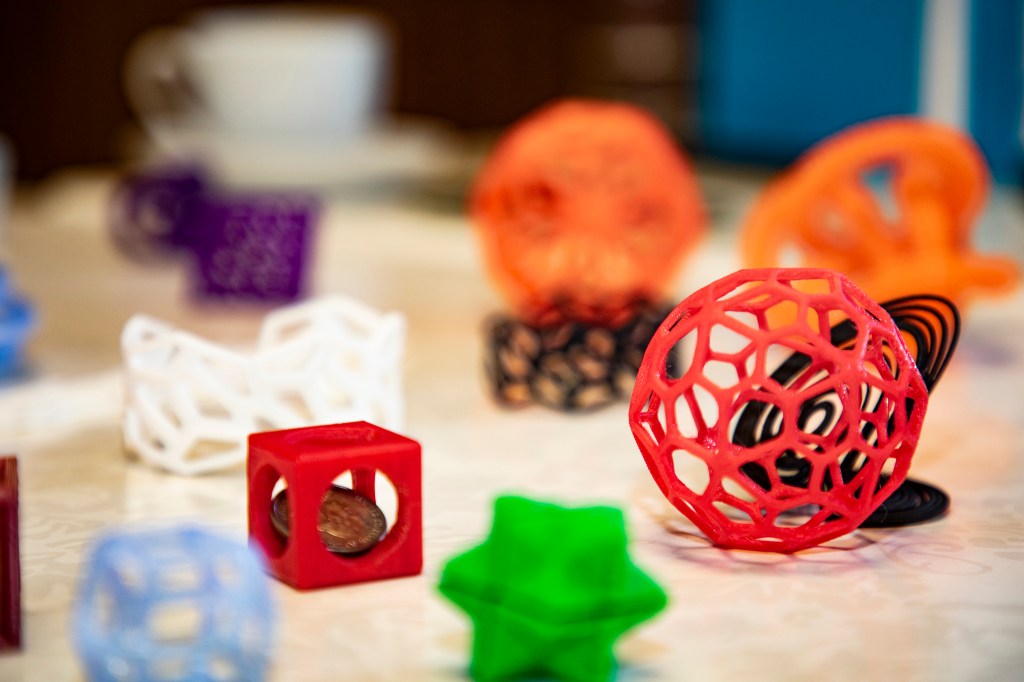
Another circuit board technology is the Makey Makey app which allows ‘anything’ to become a computer controller. One appealing task would be in Mathematics, as students can time car speed in different terrains to see what affects acceleration. This app can be used for all students as it is easy to use and offers many possibilities for students to be creative (or teachers to provide creative tasks). A drawback is the potential costs which may limit lower SES schools in providing this technology, especially if students work individually on such tasks. Similarly, 3D models provide a pure source for student creation. In mathematics for example, students could create their own 3D objects and describe their creations attributes (such as angles, number of sides etc.). Such an idea could be utilised from K-year 9, making task design and requirements as simple or complex as the cognitive ability of the students allows for.
A common trend among many apps in Makerspaces are the students targeted. All of the aforementioned examples (Chibi Lights, Makey Makey and ) promote creativity in primary school students (pending on teacher’s pedagogical approach). However, there appears to be limited apps which can be implemented effectively for secondary students, as they are too simplistic/unchallenging for their cognitive levels. This is in stark comparison to previous blog posts discussed, such as Anatomy 4D (AR) or LEGO EV3 (Robotics) which are equally applicable to primary and secondary students. Such apps appeal to students of all ages, and learning is conducted through more advanced programming and visual immersion in planned tasks, as opposed to many of the Makerspaces apps which are circuit-oriented and may not engage students as effectively.
Lain, S. (2016). Content-Based Instruction Understood in Terms of Connectionism and Constructivism. L2 Journal, 8(1), 18-31. doi:10.5070/L28128902
Peppler, K & Bender, S. (2013). Maker Movement Spreads Innovation One Project at a Time. Phi Delta Kappan, 95(3), 22-27.
 EDUC3620 Digital Creativity and Learning - Peter R's blog

Hi Peter,
You made a very good point about secondary schooling and the options available for makerspaces. Being in the primary section, I am not often thinking about the potential for older students although it is definitely something to consider. Have you come across any apps or technologies that could effectively engage older students in a Maker Space?
Thanks!
LikeLike